Table of Contents
Step 1: Login or Create an Account #
To create a broker profile, you must have a free account on Practice Pirate. To create an account, click here: https://practicepirate.com/portal-register/
If you already have an account, you can sign in here: https://practicepirate.com/portal-login/
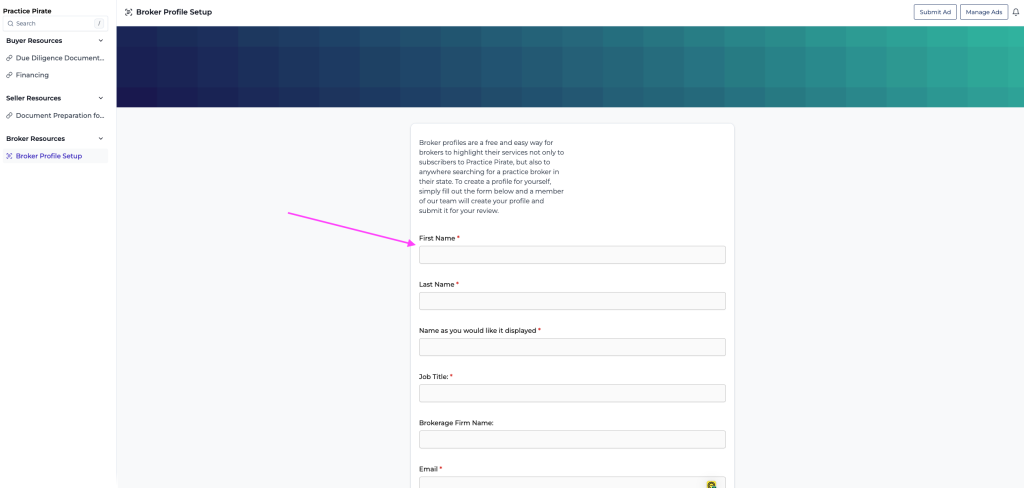
Step 2: Navigate to Broker Resources > Broker Profile Setup #

Step 3: Fill Out the Form and Click Submit #
The broker profile setup process requires you to fill out a simple form. Fill out the form and our team will create a profile for you. Once it is ready, you will be sent a link to review your profile.